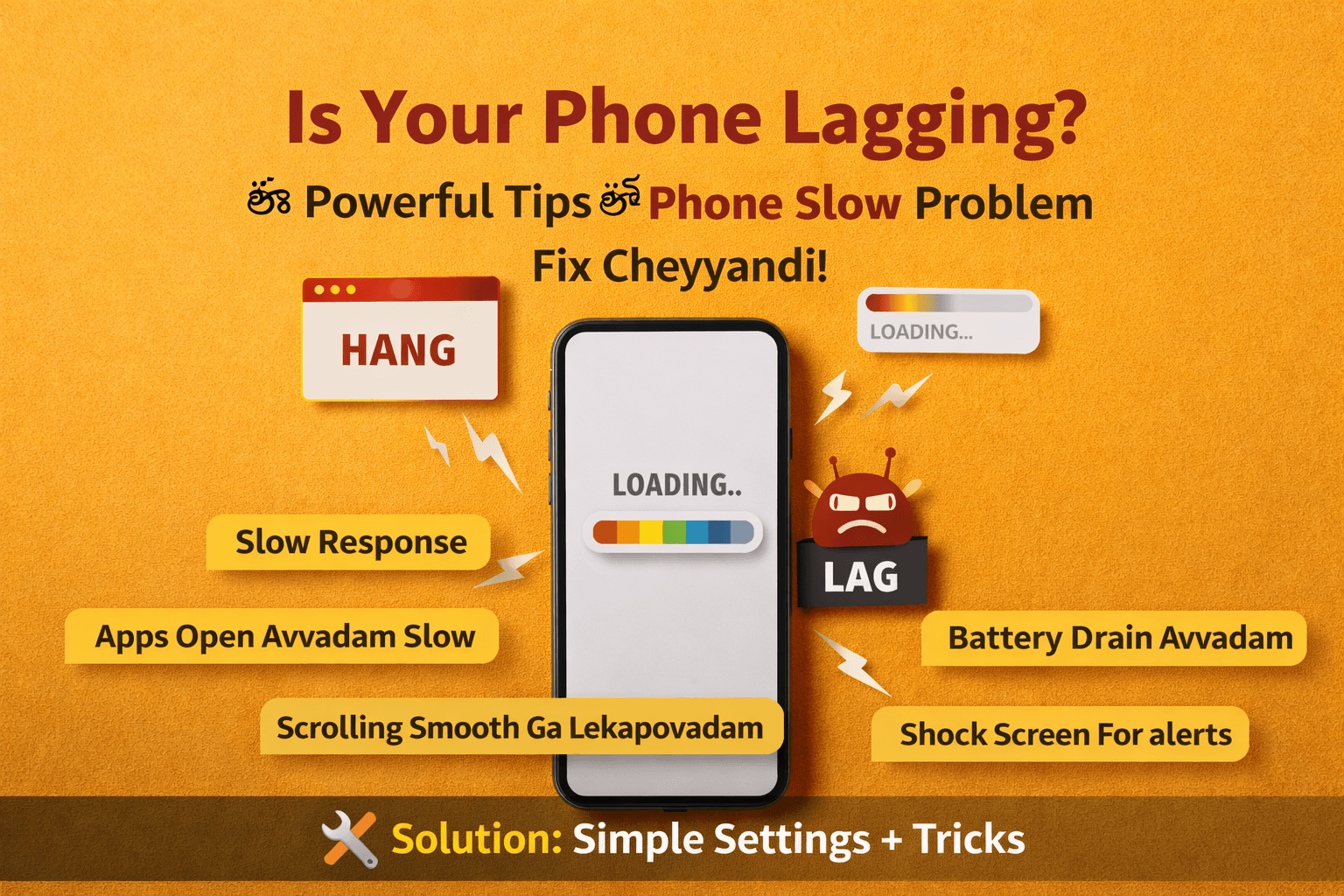
How to fix slow phone ani search chesthunnaara?
Mee smartphone slow ga work chesthunte tension padalsina avasaram ledu.
Konni simple tips follow ayithe mee phone speed malli fast ga avuthundi.
If you are wondering how to fix a slow phone, you are not alone. Ippudu chala mandi smartphone users phone slow avvadam problem face chesthunnaaru.
Social media, online payments, gaming, videos, work — almost anni tasks phone lone complete chesthunnaamu. Kani konni rojulu use chesaka oka common problem start avuthundi… phone slow avvadam.

Ee guide lo how to fix slow phone easily explain chesam.
Apps open avvadam late avvadam, phone hang avvadam, scrolling smooth ga lekapovadam, battery fast ga drain avvadam — ee problems chala mandi face chestharu.
Mee phone slow ga undi ani feel ayithe ventane new phone konali ani avasaram ledu. Konni simple tips and settings changes follow ayithe mee smartphone speed malli improve avuthundi.
Ikkada 10 simple but powerful tips unnayi. Ee tips follow ayithe mee phone performance noticeable ga improve avuthundi.
Chala mandi how to fix slow phone problem ani search chestharu.
Table of Contents
How to Fix Slow Phone – 10 Simple Tips
1. Remove Unnecessary Apps
Chala mandi phone lo use cheyyani apps chala untayi. Konni apps install chesi months varaku open kuda cheyyaru.
Ee apps:
- Storage occupy chestayi
- Background lo run avutayi
- Phone performance slow chestayi
Kabatti mee phone lo unused apps, old games, unnecessary tools anni uninstall cheyyadam better.
👉 Less apps = Better phone performance
If you want to know how to fix slow phone, ee tips chala useful.
2. Maintain Phone Storage Free
Phone storage almost full ayithe smartphone slow avvadam start avuthundi.
Storage full unte:
- Apps late ga open avuthayi
- Camera lag avvachu
- Phone hang avvachu
Kabatti regular ga storage clean cheyyadam important.
Delete cheyyandi:
- Duplicate photos
- Old videos
- WhatsApp media files
- Downloads folder lo unna unnecessary files
Try cheyyandi minimum 20–30% storage free ga maintain cheyyadaniki.
3. Close Background Apps
Chala apps background lo run avutayi even when you are not using them. Ee apps RAM and battery use chesi phone speed ni affect chestayi.
Regular ga:
- Recent apps open cheyyandi
- Unused apps swipe chesi close cheyyandi
Idi phone ni smooth ga run avvadam lo help chestundi.
4. Restart Mobile Regularly
Simple trick aina chala effective.
Chala mandi months varaku phone restart cheyyaru. Kani restart chesthe:
- Temporary files clear avuthayi
- RAM refresh avuthundi
- System performance improve avuthundi
Best practice enti ante 2–3 days ki okasari phone restart cheyyadam.
5. Do not Ignore Software Updates
Sometimes phone slow avvadam ki reason outdated software kuda avachu.
Mobile companies regular ga software updates release chestayi. Ee updates lo:
- Bug fixes
- Performance improvements
- Security patches
untayi.
Kabatti check cheyyandi:
Settings → Software Update
Mee phone latest version lo unda leda.
You can also use Google Files app to clean unnecessary files and free up storage.
6. Reduce Animations
Android phones lo animations ekkuva unte phone konchem slow ga feel avvachu.
Developer Options lo:
- Window animation scale
- Transition animation scale
- Animator duration scale
anni 0.5x or Off cheste phone speed konchem improve avuthundi.
7. Clear Apps Cache Regularly
Apps use chesthu unte cache files store avuthayi. Ee files temporary data.
Kani time tho cache ekkuva ayithe phone slow avvachu.
Cache clear cheyyali ante:
Settings → Apps → Storage → Clear Cache
Regular ga cache clear chesthe phone performance better ga untundi.
8. Use Lite Apps
Konni apps heavy ga untayi and ekkuva RAM use chestayi.
Example:
- Messenger
- Some gaming apps
Heavy apps badulu Lite versions use cheyyadam better.
Example:
- Facebook Lite
- YouTube Lite
Ee apps thakkuva data, storage, RAM use chestayi.
9. Maintain Home Screen Clean
Chala widgets, live wallpapers phone performance ni affect cheyagalavu.
Better option:
- Less widgets use cheyyandi
- Simple wallpaper use cheyyandi
- Live wallpapers avoid cheyyandi
Idi phone speed improve cheyyadaniki help chestundi.
10. Factory Reset (Last Option)
Mee phone chala slow ga unte last option factory reset.
Factory reset chesthe:
- Phone fresh state lo start avuthundi
- Unnecessary files remove avuthayi
- Performance improve avuthundi
⚠️ Important: Reset mundhu backup compulsory.
Conclusion :
Smartphone slow avvadam chala common problem. Kani chala cases lo new phone konalsina avasaram undadu.
Mee phone speed improve cheyyali ante:
- Unnecessary apps remove cheyyandi
- Storage clean ga maintain cheyyandi
- Cache clear cheyyandi
- Phone restart cheyyandi
Ee simple optimization tricks follow ayithe mee smartphone performance clear ga improve avuthundi.
Mee phone slow ga unda? Ippude ee tips try cheyyandi… difference mee experience lo clear ga kanipistundi!
Phone Hacked Signs: 7 SHOCKING Truths – The ULTIMATE Protection Guide (2026)




Superb ways to speedup slow phones with so many day to day apps and tasks 👏🏻simple optimising tricks👍🏻
phone Hacked signs and protection guide is very useful, thanks for sharing!!